Printers and printing
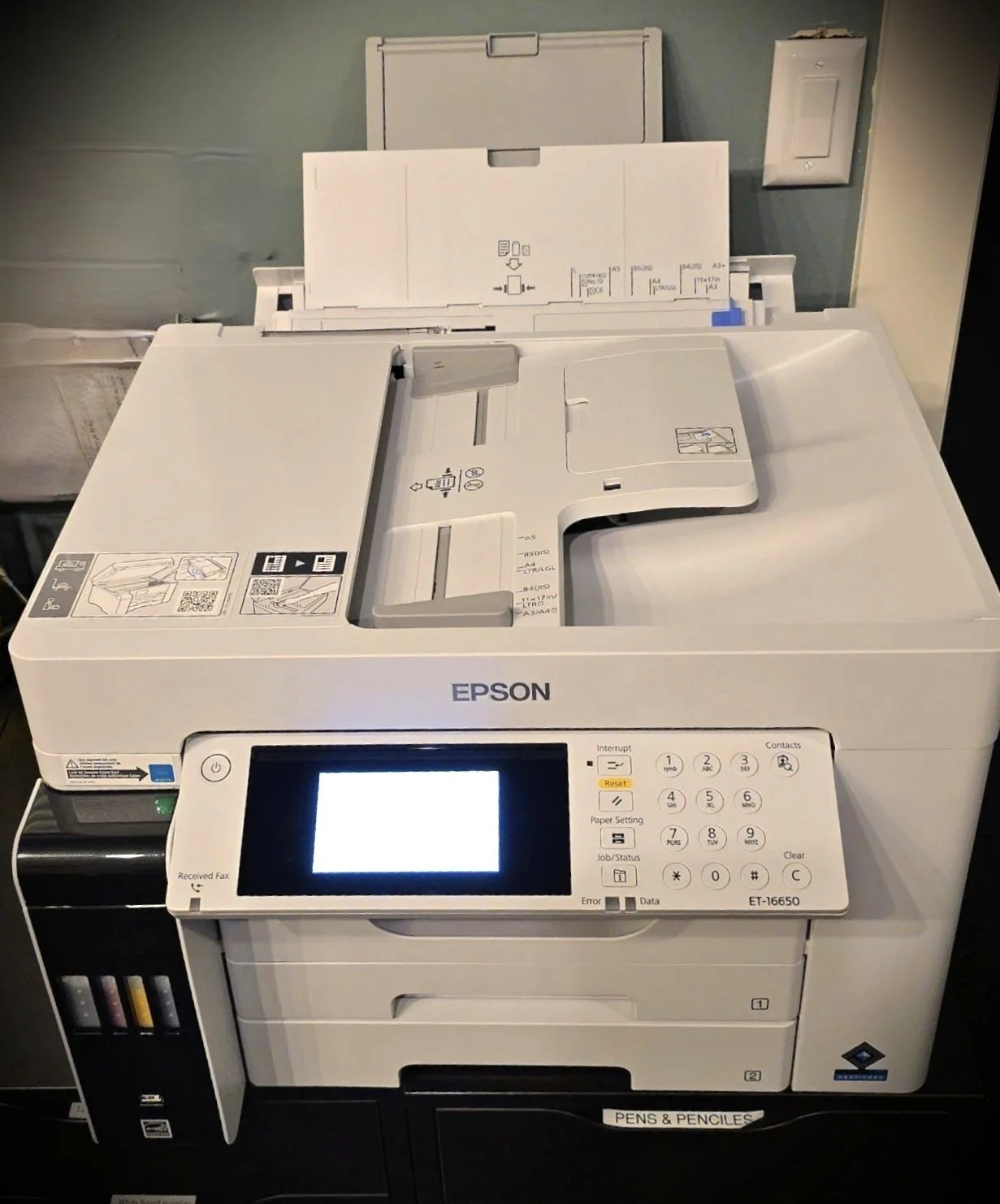
OfficeXpats has three multi-function printers: two laser printers and a large format printer (the Epson, shown above) that can print to paper as large as 13x19. The big Epson Pro is the preferred printer for everyday use.
How to connect to a printer
Once you are on the network, accessing these printers is usually as easy as hitting “Print” from within a document and choosing one of them from a drop-down list of printers.
Sometimes—and more often with Macs—you have to add the printer first, before going to the document that needs printing. And you may need to enter the IP address. Here are the addresses for all three printers:
Epson Pro ET-16650 (the really big one) 10.11.12.44
HP: 10.11.12.45
Brother MFC: 10.11.12.46
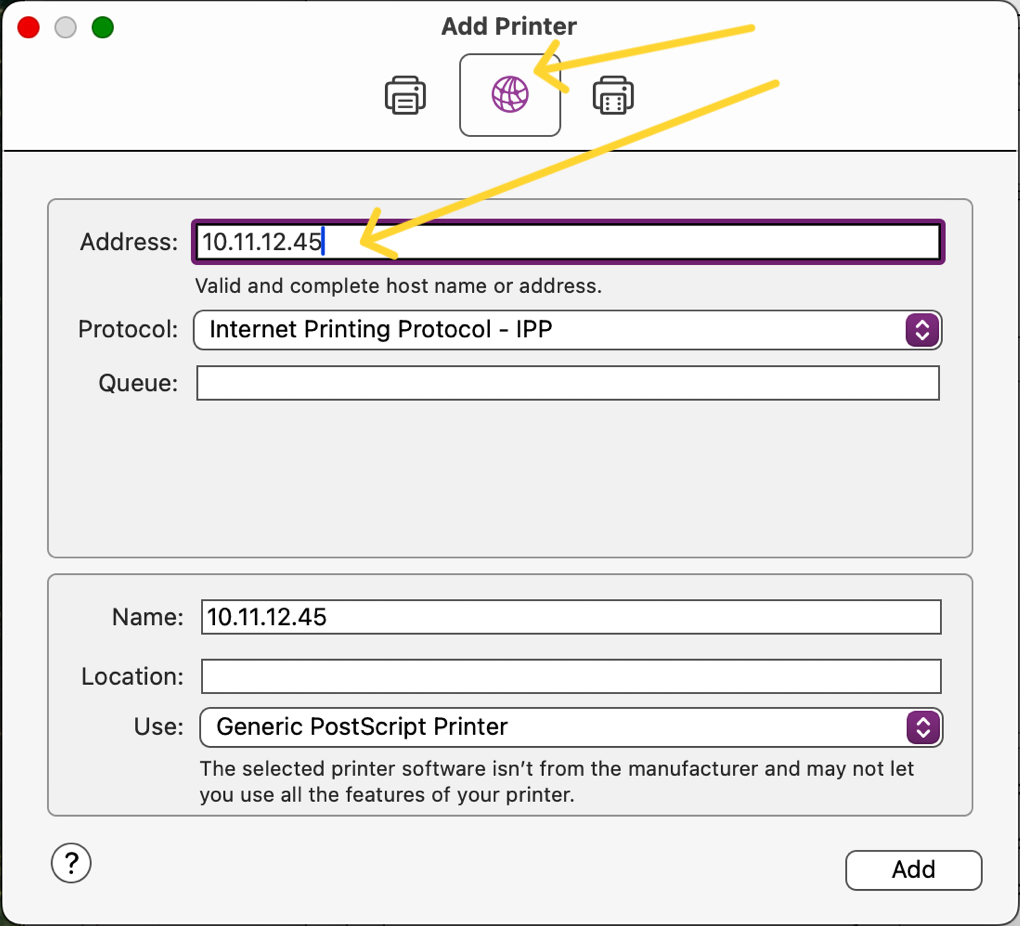
Your “add printer” options might look like this on a Macintosh.
In a few cases you may also have to update and restart your computer to be sure that the drivers are installed. Ask an ambassador for help, and when needed, Jason can be tagged to help out.
If adding a printer doesn’t work, in a few cases you may need to first download a driver manually. For the Epson printer (pictured) here is a link to our printer model, then click on “Downloads” to pick the driver for your computer.
Optional: At this same link is information and download links for the Epson Smart Panel app, which allows you to perform printer or scanner operations easily from iOS and Android devices.